
A little personality
A lot of teamwork
Specialist Buds that build on your team’s shared context.
Orbit
I found the brief. I’ll build the invite flow from it.
Invite flow ready for review

Your team’s shared context. Your Aedrova agent. One workspace to build together.
Coming soon for Mac and WindowsJoin waitlist today
Product workspace
Example
Files appear above the draft. Teammates can remove them before sending.
Your conversations, decisions and files. A useful starting point for every request.
Welcome · Profile · Invite

Reviewed by the team
AedrovaShip on Friday, with an optional invite step
Specialist Buds that build on your team’s shared context.
I found the brief. I’ll build the invite flow from it.
Reviewed meeting notes can become your agent’s next starting point.
“Let’s make the invite optional.
We can always add teammates later.”
Invite step is optional
Ready for the team to review
Aedrova works in a build copy. You review what reaches your project.
Aedrovareturn ( <InviteTeam required={true} optional={true} onSkip={openWorkspace} />);Invite them now, or settle in first
Send inviteI’ll do this laterReady for your review
Your original files stay yoursGive a Bud the sources it needs. Choose the account, resource and access.
Explore shared context


Found the context
Ready for the next step
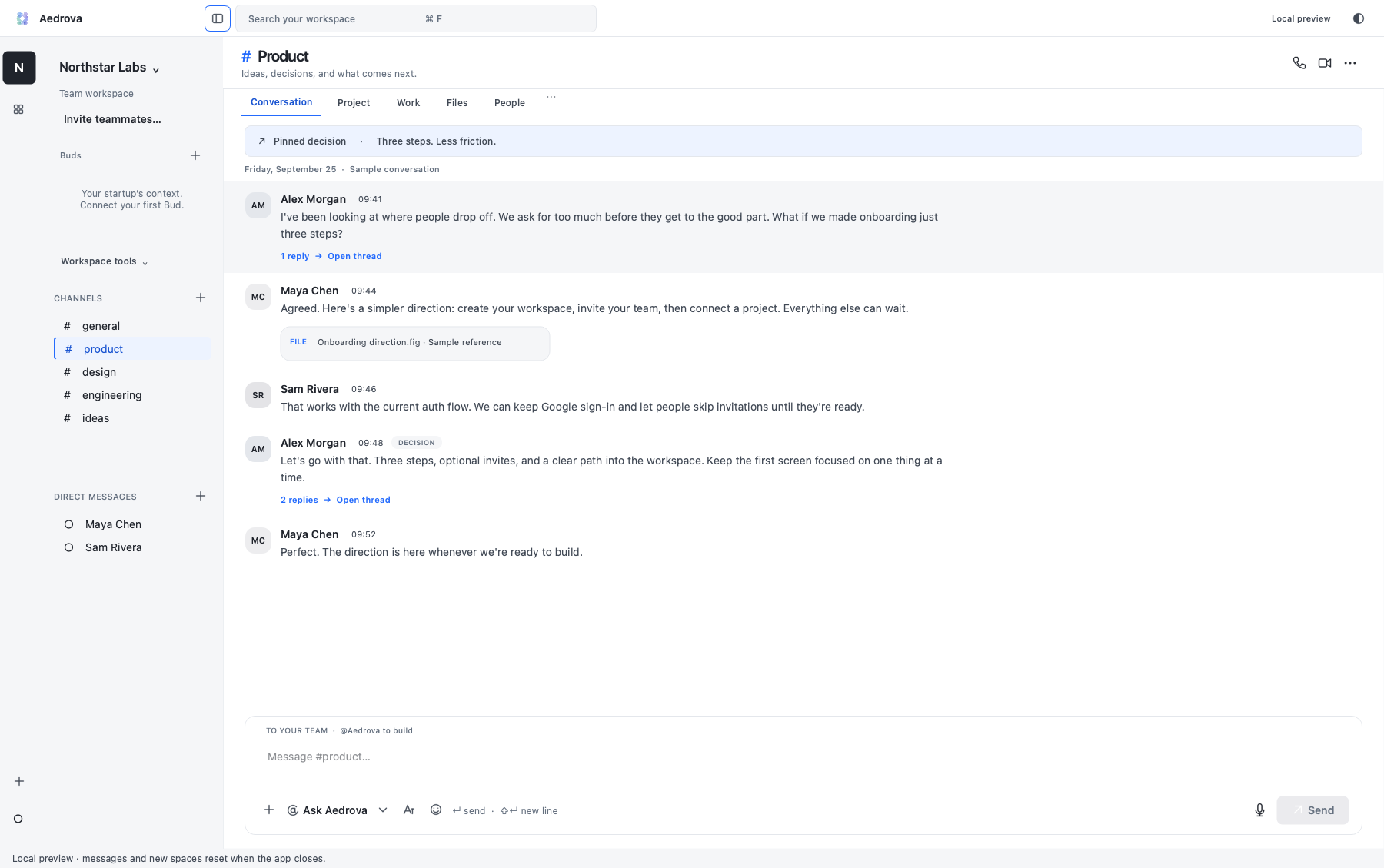
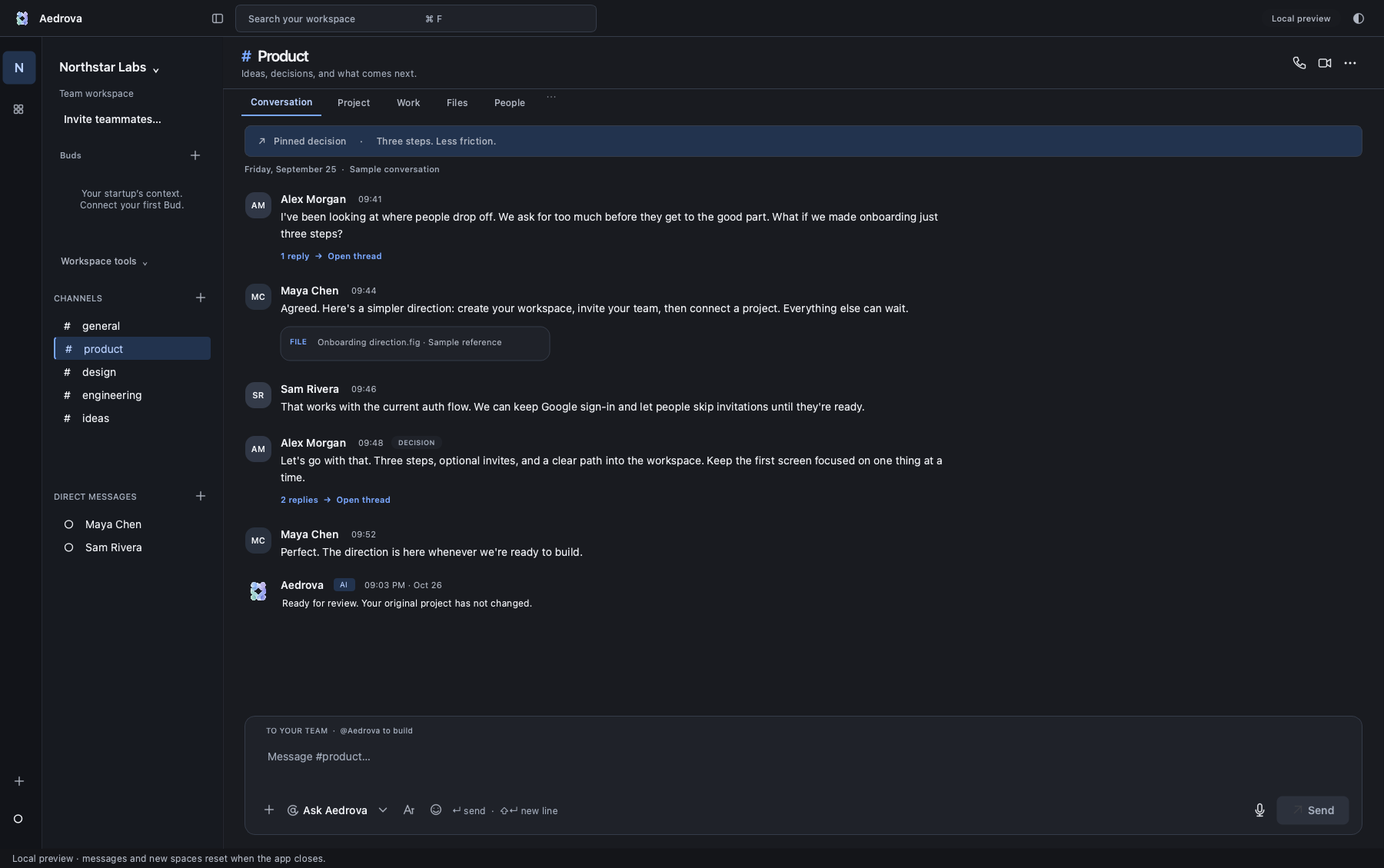
Permitted conversations, shared files and selected connected resources. Private-source access is checked for each request.
You review before changes reach your original files. Publishing requires a separate approval.
Audio transcription requires current consent from every participant. AI reuse is a separate choice. You review notes before sharing them as context. Screen sharing does not give the agent automatic visual understanding of your screen.
Mac and Windows releases are being prepared. Public rollout pending final acceptance. Join the waitlist for availability.
Ayansh Varma, Minh-Khoa Nguyen and Abhinav Thirumala